Breathedge 2 Battery: Train Power Restoration Guide
Where the Breathedge 2 train battery spawns, how to follow the orange cable to the External Module, break ice, install it, and raise the pantograph for power.
FAQ
Where is the battery in Breathedge 2 Chapter 1?
Why will my train not power on after installing the battery?
Do I need extra materials to install the battery?
What unlocks after the train has power?
Power is the first hard gate in Breathedge 2 Chapter 1. Before food loops, oxygen stations, or Depot warmers matter, the crashed train in the Station Outskirts needs a battery in its External Module and the pantograph raised aboard. This page covers the orange-cable trail, ice breaking, installation, and the cockpit step streamers miss — verified against the launch build walkthrough at 11:04.
Where does the train battery spawn?
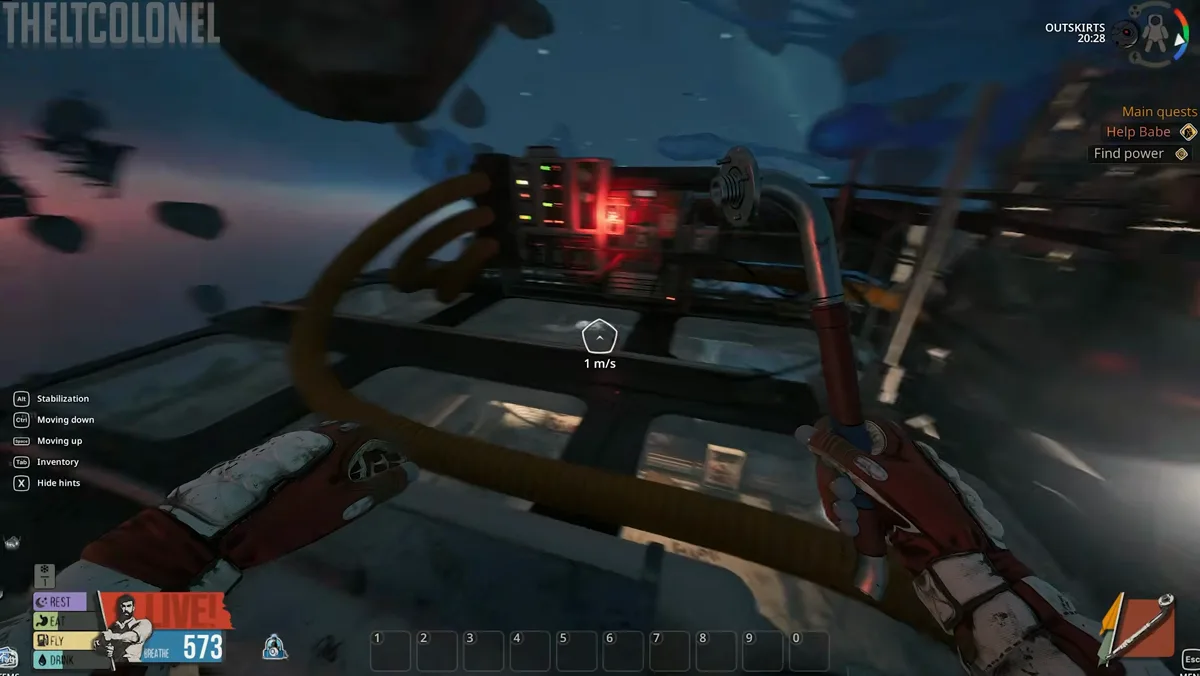
The battery is not a random floating pickup. It lives at the External Module — a separate housing cabled to the train by Babe’s orange power line.
Find it this way:
- Spawn at the crashed train in the Outskirts (Chapter 1 opening).
- Locate the orange cable exiting the locomotive hull — walk it physically instead of guessing on the map.
- Follow the cable to the External Module platform — the UI labels it External module in English playthroughs.
- Expect ice — the module arrives empty and frozen; breaking the shell is intentional, not a bug.
The cable also teaches the game’s spatial quest design: objectives anchor to visible props, not abstract markers alone. Macro layout sits in the Station Outskirts guide.
How do you break the ice and retrieve the battery?
At the External Module (11:04 walkthrough moment):
- Approach the iced housing — Babe comments that the module is empty and that breaking ice is your specialty.
- Use the Break interaction on the ice shell with your early crowbar-class tool. Wrong verbs on iced props yield nothing.
- Collect the battery into inventory once the shell opens — treat it like any heavy pickup; clear bag space if you are near the 110 starting carry cap.
- Do not install yet if you have not read the module prompt — some players accidentally trigger the wrong interaction order and wonder why the train stays dark.
How do you install the battery on the External Module?
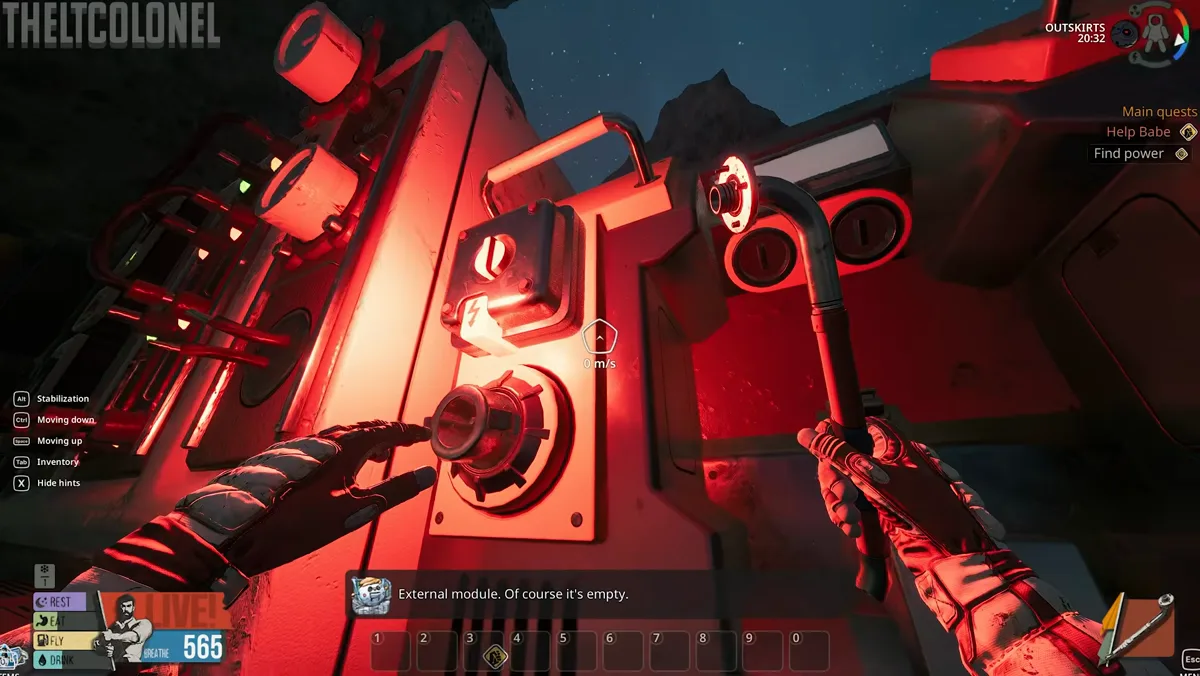
With the battery in inventory:
- Face the External Module interaction panel — the same structure you broke ice from.
- Select Install (or equivalent prompt) and slot the battery into the module housing.
- Wait for Babe’s confirmation line — playthrough audio cues install it carefully as the UI locks the cell in place.
- Trace the orange cable back toward the train visually to confirm the link reads powered — there is no separate fuse box in this step on the launch build.
No confirmed Metal or Electronics cost wraps this install — it is a physical placement puzzle, unlike the later Public Oxygen Station repair that consumes Wires and Electrical Tape.
How do you raise the pantograph and finish power restoration?
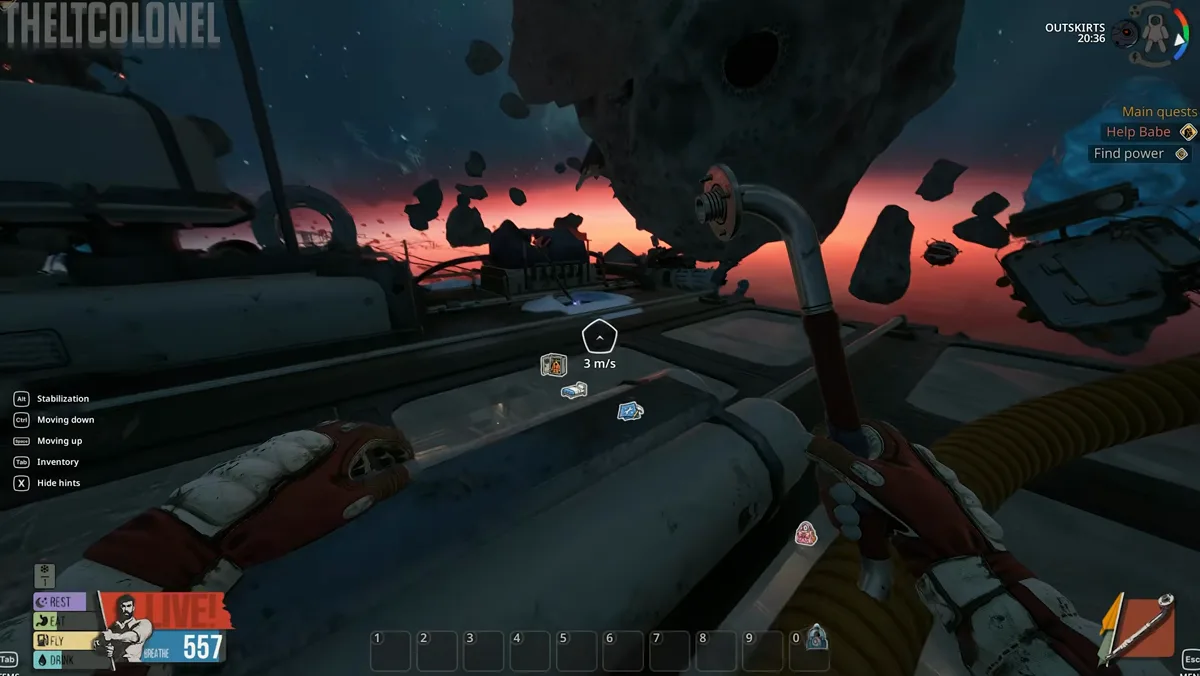
Return to the locomotive:
- Board the train through the airlock you started from.
- Move to the cockpit-side equipment — early reviews describe players asking chat how the pantograph even works because the control is on the train, not at the External Module.
- Interact with the pantograph lever until the contact arm rises and cabin systems boot.
- Verify powered modules — Wardrobe, Workbench, Bobby Kettle, and Nutra Pack-O-Mat should respond. Tour them in the base building guide.
What does train power enable next?
| System | Location | Immediate use |
|---|---|---|
| Space Suit Wardrobe | Train car | Cold Protection modules for the Depot gate |
| Workbench | Train car | Tool modules — crafting recipes |
| Bobby Kettle | Train car | Water processing — upgrades guide |
| Nutra Pack-O-Mat | Train car | Food throughput between quests |
After power, the Chapter 1 chain continues with food and water stabilisation, then the Three Antennas communication objective in the Chapter 1 walkthrough.
Related Articles
items
Breathedge 2 Metal: Where to Find It and What It Crafts
Metal in Breathedge 2 floats as big round chunks near the crashed train and Outskirts. Where to find it, how to harvest it, and every recipe that spends it.
items
Breathedge 2 Duct Tape: Where to Find Electrical Tape
Where to find Electrical Tape in Breathedge 2: duct-taped pipes on station hulls, the Cutter Tool harvest, and the Oxygen Station repair that needs 3 rolls.
items
Breathedge 2 Plastic: Where to Find Plastic Nodes
Plastic in Breathedge 2 hides as bubbly nodes glued to station hulls and as blocks on wire-run ends. What the nodes look like, the Break verb, and the box trap.
Was this helpful?
Thanks for the feedback!